
How to calculate a percentage from its base
A percentage is a fraction whose denominator is 100. Seven percent means 7 parts out of 100, so it can be written as 7/100 or 0.07. When you learn how to calculate a percentage, the key step is identifying the base: the total, original price, number of people, or any quantity that represents 100%.
To calculate a part, turn the percentage into a decimal factor and multiply the base. Seven percent of 500 is 0.07 × 500 = 35. The same operation with whole numbers is 500 × 7 ÷ 100. Both forms give the same answer and make it easier to catch a misplaced decimal point.
Do not automatically subtract the percentage from the total. If the question is “what is 7%?”, the answer is 35; if it is “what remains after a 7% reduction?”, subtract 35 from 500 and get 465. The base is 500 in both steps, but the requested output is different.
p% = p ÷ 100; p% of N = N × p ÷ 100The % symbol always means division by 100 before multiplication.
Find a percentage of a number
The question “what is 18% of 250?” gives you the base and asks for the part. Calculate 250 × 18 = 4500, then divide by 100: the answer is 45. You can also do it mentally with 10% = 25, 5% = 12.5 and 3% = 7.5; adding 10%, 5% and 3% gives 45. Breaking a rate into familiar pieces helps when no calculator is available.
The rule is unchanged for decimals. Twelve point five percent of 80 is 80 × 12.5 ÷ 100 = 10. Enter the decimal separator used by your spreadsheet or calculator, but do not mix separators in one value. If the base is a count of objects, a decimal result may be an average rather than a physically divisible count.
Use these checks: a rate between 0% and 100% of a positive number should produce a part between zero and the base; 0% gives zero; 100% returns the base. Rates above 100% are possible and describe a part larger than the base, so they are not automatically errors.
- Write the baseRecord the total N and check that its unit matches the percentage question.
- Enter the rateUse 18 for 18% in a field that expects a percentage number, not 0.18.
- Multiply and divideCalculate N × p ÷ 100 and round only the final displayed answer.
Recover the total from a part and percentage
Sometimes you know an amount that represents a percentage and need to recover the total. If 42 is 14% of the total, multiply 42 by 100 and divide by 14: 42 × 100 ÷ 14 = 300. Another form is 42 ÷ 0.14. The total is 300 because 14% of 300 is exactly 42.
The reverse formula needs a percentage other than zero. If the rate is 0%, no finite positive total can produce a non-zero part, so the question must be reframed. For very small percentages the total can become large; keep extra decimals during the calculation and state your rounding rule.
Check the answer by calculating the part again: total × percentage ÷ 100 must return the starting amount. This two-way check is useful for commissions, survey shares, membership figures and invoices where the visible amount has already been rounded.
Total = part × 100 ÷ percentageThe percentage cannot be zero; multiply the total by the rate again to verify it.
Percentage between two numbers and percentage change
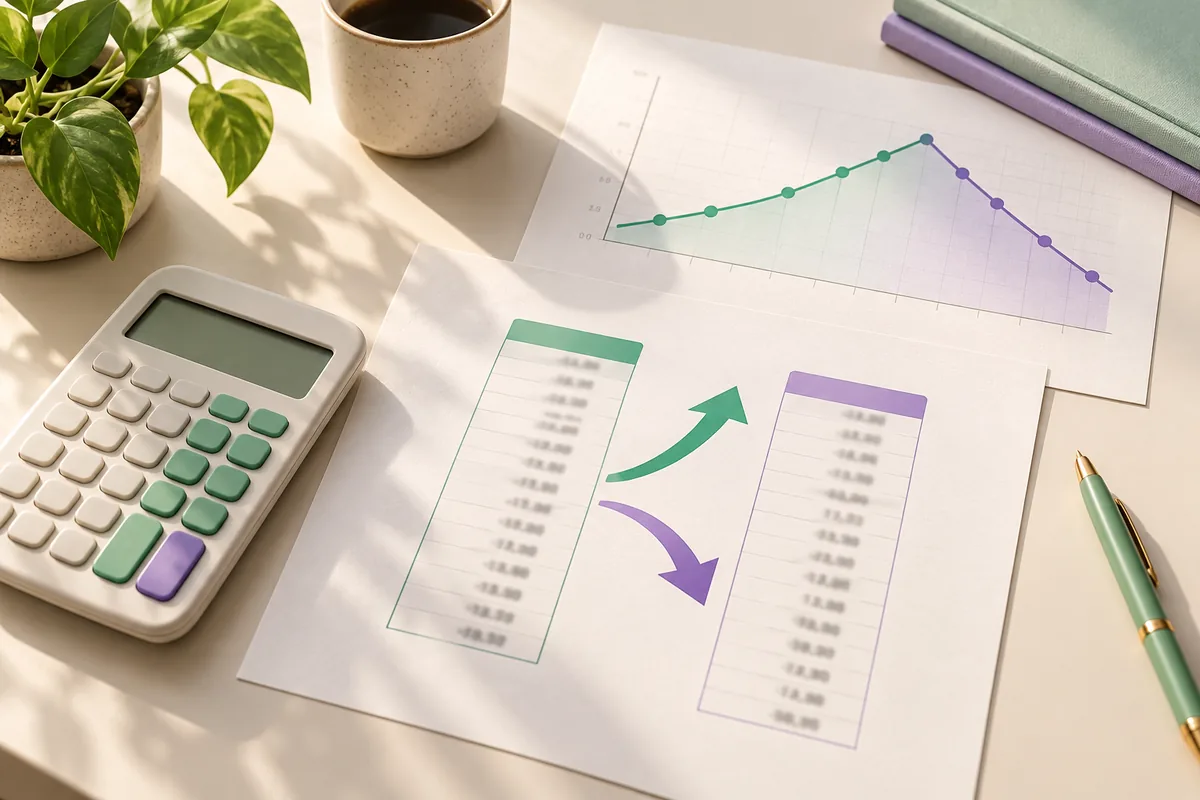
To measure a change over time, use the starting value as the base. From 120 to 150 the difference is 30; 30 ÷ 120 × 100 = 25%, so the increase is 25%. From 150 to 120 the difference is −30 and the base is 150, giving −20%. The same absolute difference does not produce the same percentage when the starting point changes.
The change formula is ((final value − initial value) ÷ |initial value|) × 100. The absolute value in the denominator makes the convention explicit for negative bases; the sign of the difference shows direction. If the initial value is zero, relative change is undefined and you should report the absolute difference.
Do not confuse percentage change with percentage points. Moving from a 10% rate to a 15% rate is +5 percentage points, but it is a 50% relative change from the initial rate. In a report, name the measure and keep the original values beside the result.
| Initial | Final | Difference | Change |
|---|---|---|---|
| 120 | 150 | +30 | +25% |
| 150 | 120 | −30 | −20% |
| 10% | 15% | +5 points | +50% relative |
Increases, decreases and discounts
For a 12% increase, multiply the base by 1.12; for a 12% decrease, multiply it by 0.88. A price of 80 dollars becomes 89.60 after the increase or 70.40 after the reduction. The added or removed amount is 9.60, while the multiplier keeps the relationship with the base in one line.
Successive discounts are not automatically added. A 20% reduction followed by 10% leaves 0.80 × 0.90 = 0.72 of the base, so the effective discount is 28%, not 30%. Apply the second rate to the already reduced price and check for fixed coupons, minimum spend rules or line-item rounding.
When comparing offers, look at the final price and the full checkout cost, not only the largest advertised rate. Shipping, tax, quantity and conditions can change the comparison. Percentage arithmetic checks the calculation; it does not certify that a seller's reference price is accurate.
- Increase by p%: base × (1 + p ÷ 100).
- Decrease by p%: base × (1 − p ÷ 100).
- Two reductions: base × (1 − p1 ÷ 100) × (1 − p2 ÷ 100).
- Use the dedicated discount calculator for a full promotion check and read its conditions separately.
Percentage formulas in Excel and Sheets
In Excel or Google Sheets, put the total in A2 and the numeric rate in B2. The formula `=A2*B2/100` returns the amount of p%; if B2 is already formatted as 18%, use `=A2*B2` without dividing by 100 again. Many spreadsheet mistakes come from confusing 18 with 18%.
To find what percentage A2 represents of B2, use `=A2/B2` and apply Percentage format to the result. For a change between an initial value in B2 and a final value in C2, use `=(C2-B2)/ABS(B2)` and format it as a percentage. If B2 may be zero, protect the formula with `=IF(B2=0,"n/a",(C2-B2)/ABS(B2))`.
The program language changes function names and argument separators. Excel may use `ABS` and `IF` in English, while another installation uses localized names; commas and semicolons also depend on regional settings. Test one row against a manual example before filling a formula through a long list.
- Choose the basePlace total and part in separate columns and name the units in the header.
- Choose the formatUse a number such as 18 or a cell containing 18%; the formula depends on that choice.
- Protect zeroAdd IF or SE before division when the base may be blank or zero.
- Check one rowCompare one result with hand arithmetic before copying the formula.
Errors, rounding and edge cases
The first common error is choosing the wrong denominator. Before dividing, write “part compared with which total?” and “which value came first?”. The second is entering 0.2 in a field that expects 20 for 20%. The third is applying a discount to an entire cart when the promotion covers only one product.
Choose one decimal convention and use an estimate as a check. Nineteen point nine percent of 200 is just under 40; a result of 3980 means you forgot to divide by 100. For money, round to the currency precision in the last step and keep the complete formula so another reader can reproduce the number.
A percentage does not explain the cause of a change. A 100% increase can mean moving from 1 to 2, while a 5% change across thousands of units may matter more. Show the initial and final values, absolute difference, time period and data rules beside the percentage.
- Zero base: a reverse percentage is undefined; report the absolute difference.
- Negative base: state whether the denominator uses the absolute value and keep the difference sign.
- Percentage points: use them for two rates when you need the arithmetic difference, without dividing by the first rate.
- For tax or financial decisions, check the rate, period and convention with a qualified source.
Questions about how to calculate a percentage
How do I calculate a percentage of a number?
Multiply the number by the rate and divide by 100. Fifteen percent of 240 is 240 × 15 ÷ 100 = 36.
How do I find what percentage a part is of a total?
Divide the part by the total and multiply by 100. If 36 is out of 240, 36 ÷ 240 × 100 = 15%.
How do I recover a total from a part and percentage?
Multiply the part by 100 and divide by the percentage. If 42 is 14%, the total is 42 × 100 ÷ 14 = 300.
How do I calculate a percentage change between two numbers?
Use (final − initial) ÷ the absolute initial value × 100. The base must be the value from which the comparison starts.
Does 20% plus 10% equal a 30% discount?
No, when the reductions are successive. The remaining price is 0.80 × 0.90 = 0.72, so the effective discount is 28%.
Which percentage formula should I use in Excel?
Use =A2*B2/100 when B2 contains 18; use =A2*B2 when B2 is already 18%. For change, use =(C2-B2)/ABS(B2) and format it as Percentage.
What happens when the total is zero?
You cannot divide by zero, so the percentage is undefined. Report the absolute part or difference and explain that there is no base.
What is the difference between a percentage and percentage points?
From 10% to 15% is 5 percentage points. The relative change from 10% is 50%.
Sources and conventions
The formulas use the definition of a percentage as a ratio out of 100. For tax or accounting data, always check the rule that applies to your situation.
- Microsoft Support: format numbers as percentages — Official guidance for percentage formatting in spreadsheets.
- NIST Handbook 133 — General context for measurements and differences expressed as percentages.